Data Distribution with PDM
Data Distribution with PDM
To easily get your high-quality product data distributed, you have a variety of options:
Channels (controlled by you)
Set up exports to happen automatically on your preferred schedule to have data pushed daily, weekly, or monthly. Delivery can be to a FTP location or a manual download.
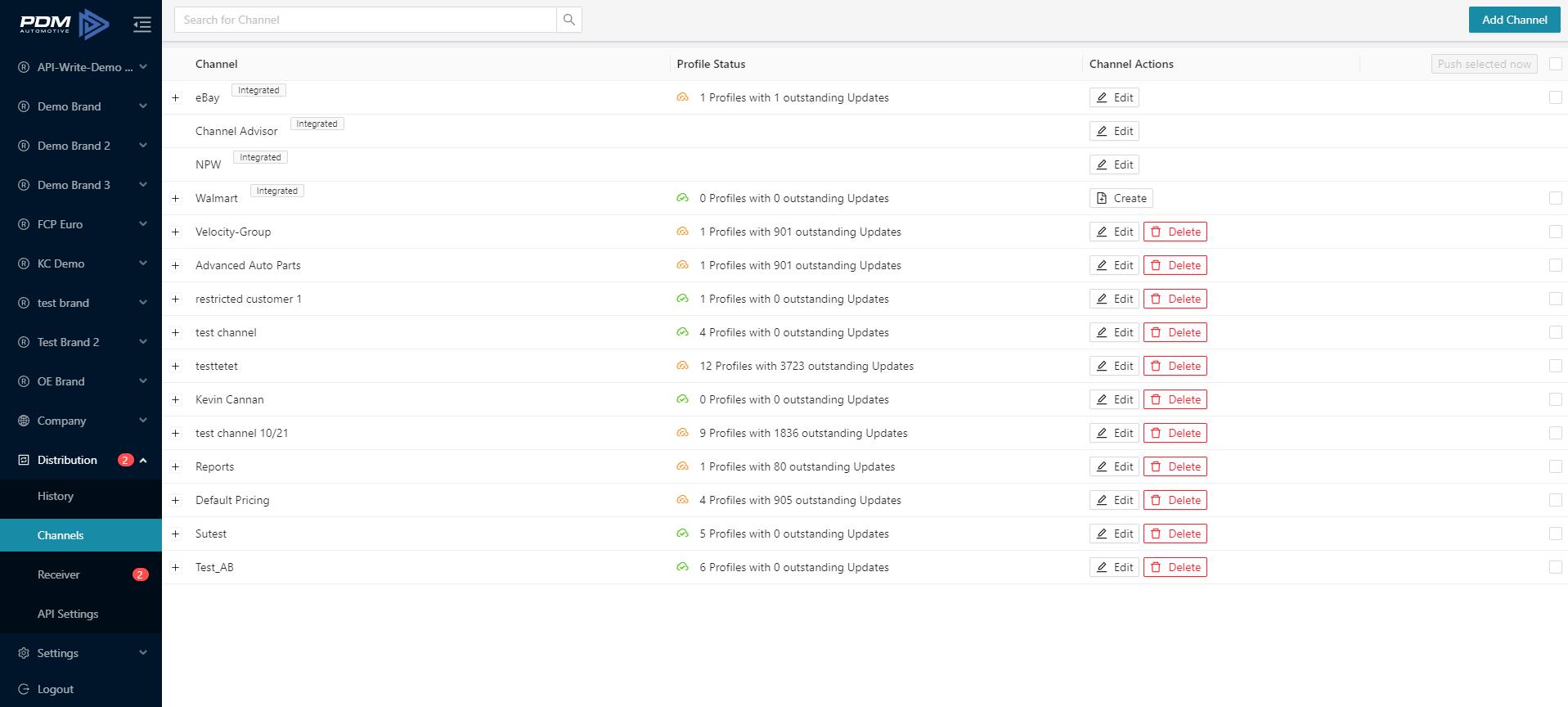
Pros:
- You have full control of the data flow (FTP settings, schedules, data formats)
- Private Label Feature allows automated creation of files with alternative Brand Code and part numbers.

Receivers (controlled by your customers)
We have all large data receivers integrated directly into our platform. They can request access to your data, or you can request for them to retrieve your data. All your customers can also get free receiver accounts with PDM by registering on our Homepage.
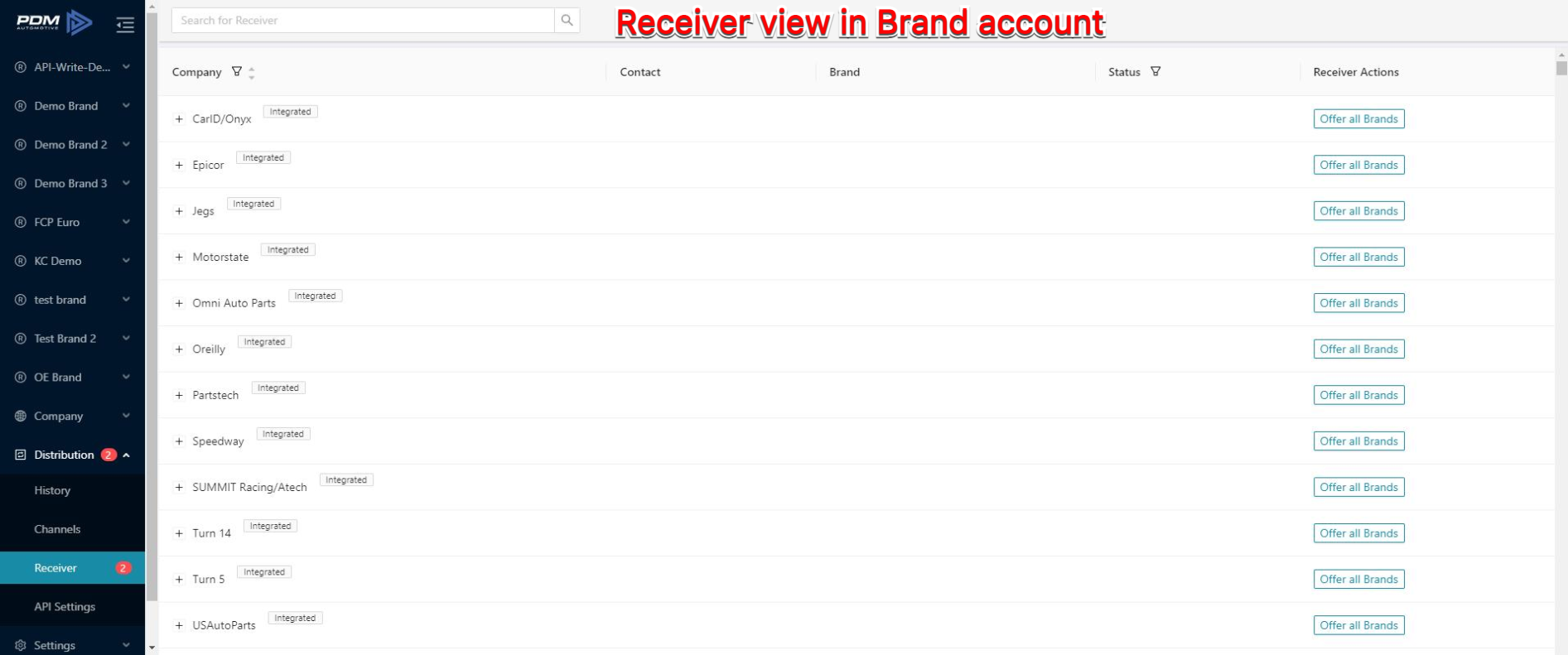
Pros:
- Transparency with the receiver when receiving your product and product updates.
- The receiver can fully control the data flow themselves (FTP settings, schedules, data formats).
- Data customization can be done (developed specifically per receiver).
API
You have the ability to access your product data using our API to update your system immediately with any changes that you do to your data in PDM.
Other options

A few more important notes on the data distribution with your PDM account
Export Builder Template
You can build Export Templates to export CSV or Excel files. Those Templates can also be used by you as part of the channels to automatically export those files:
Export Builder
Export Builder
Using Filters
Saved filters in the catalog can be used later in the channels to only export a subset of your product data.